


4K HDMI Splitter – 1 In 2 Out , Dual Display Support

Easy To Connect | Smooth Data Transmission | Dual Identical Display | Ultra Clear HD Visuals | Strong Signal Connection | Wide Range Compatibility
1.jpg
2
3
4
5
210SP-4K Splitter-01
210SP-4K Splitter-02
210SP-4K Splitter-04
210SP-4K Splitter-05
210SP-4K Splitter-06

About BlueRigger 4K HDMI Splitter

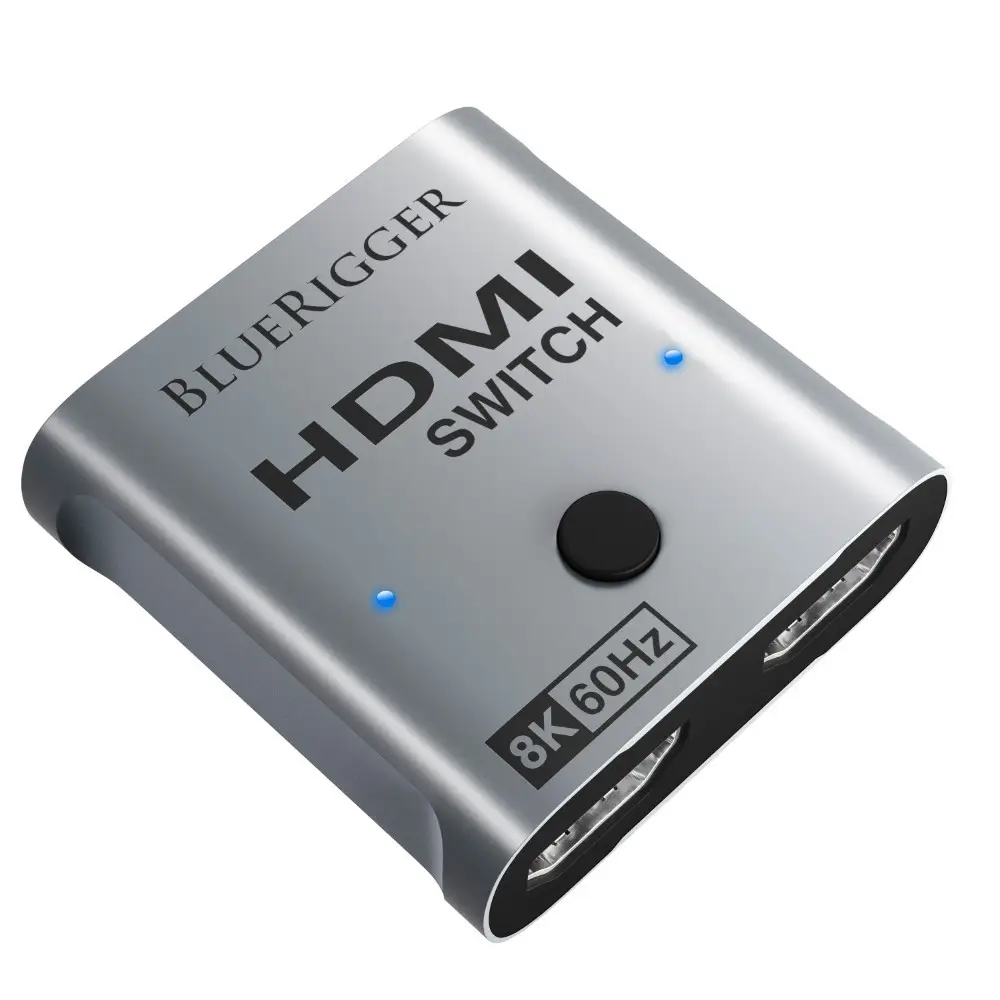
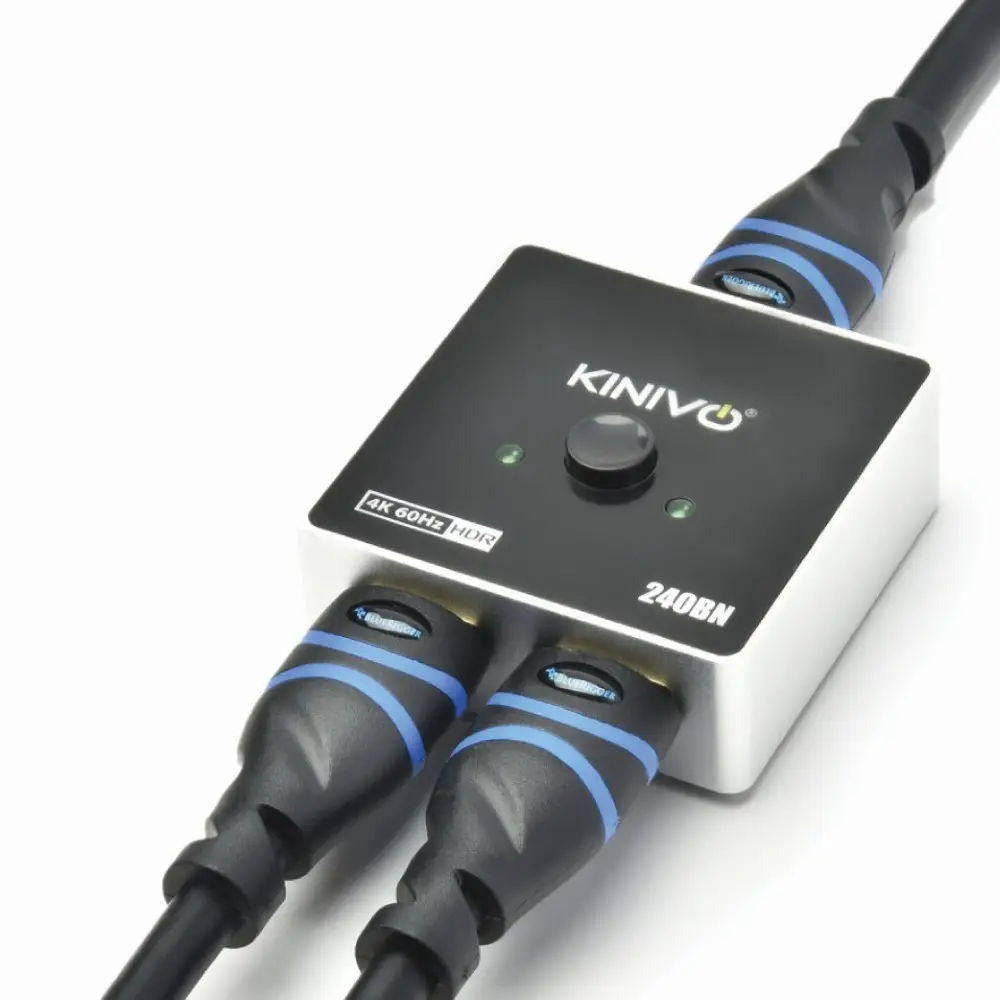
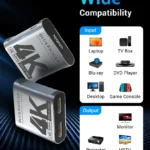
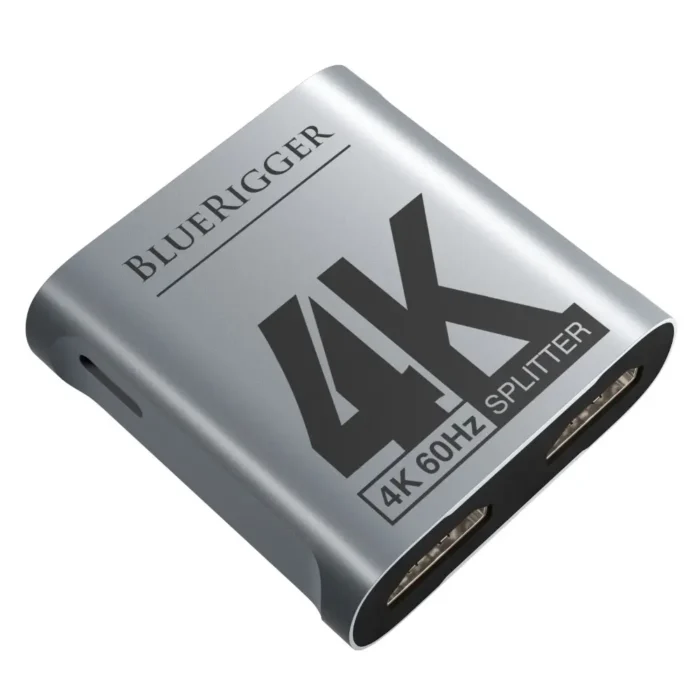
Searching for an HDMI splitter 2 in 1 out with premium quality and durability? The BlueRigger 4K HDMI 1X2 Splitter is the ideal choice that can let you mirror your content simultaneously on two screens. It is compatible with devices like laptops, Xbox, projectors, and PS4. This splitter ensures high quality video and immersive audio without any signal drop.

Key Features of BlueRigger 4K HDMI Splitter

  • The BlueRigger 4K HDMI splitter comes with 1 HDMI input and 2 HDMI outputs
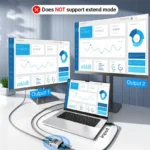
  • It allows you to mirror one device into two identical displays
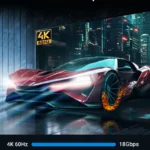
  • You can enjoy crystal clear visuals as this splitter supports 4K@60Hz resolution
  • Comes with three modes: Auto, Copy, and Fixed Modes
  • This device is compatible with 4K@60Hz, 1080p, 720p, HDCP 1.4/1.3, 3D, 10.2Gbps bandwidth
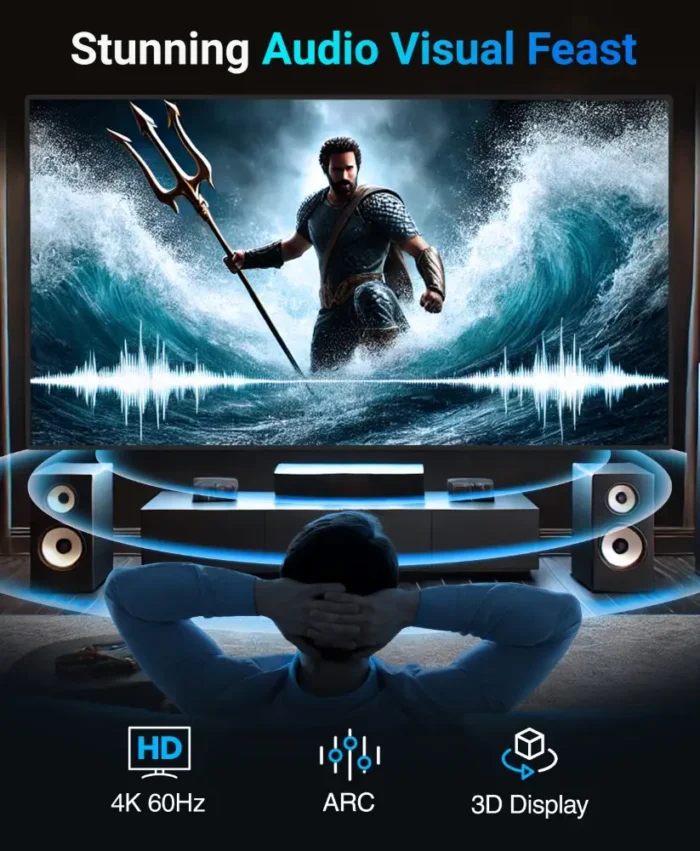
  • Enjoy immersive sound as it supports Dolby Digital, DTS-HD Master Audio, and Dolby TrueHD audio formats.
  • This splitter is compatible with the HDMI 2.0 standard, ensuring smooth connectivity

BlueRigger 4K HDMI Splitter – Overview

The BlueRigger HDMI Splitter 2 in 1 out is your ultimate way to transform the way you share and enjoy content. This device is engineered to let you mirror your content on two identical displays with complete ease. It is an ideal choice for both work and entertainment purposes, as it supports 4K @ 60Hz and 3D playback. The BlueRigger HDMI cable splitter comes with three advanced EDID modes:

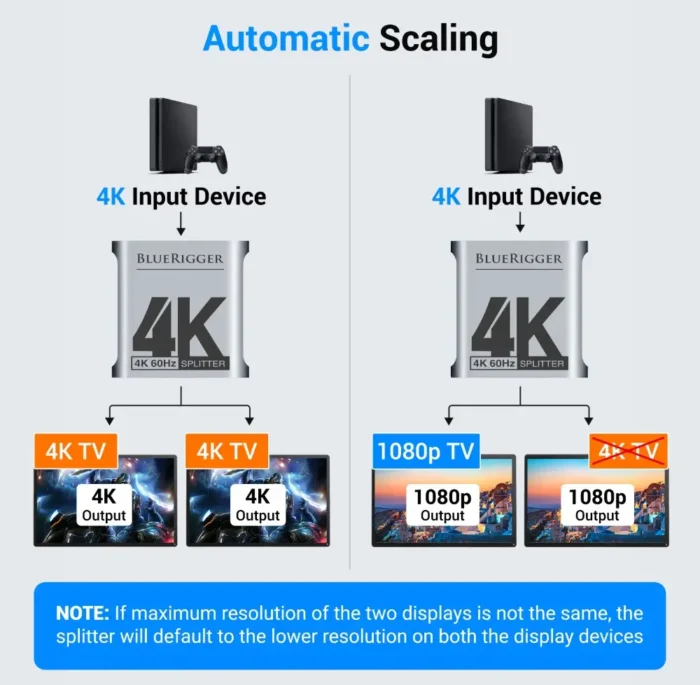
  • Auto Mode: It automatically identifies the lower resolution and audio format of both outputs
  • Copy Mode: It will copy EDID from OUTPUT 1
  • Fixed Mode: This feature allows the splitter to fix the output 4K 30Hz.

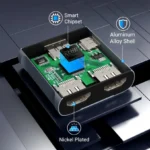
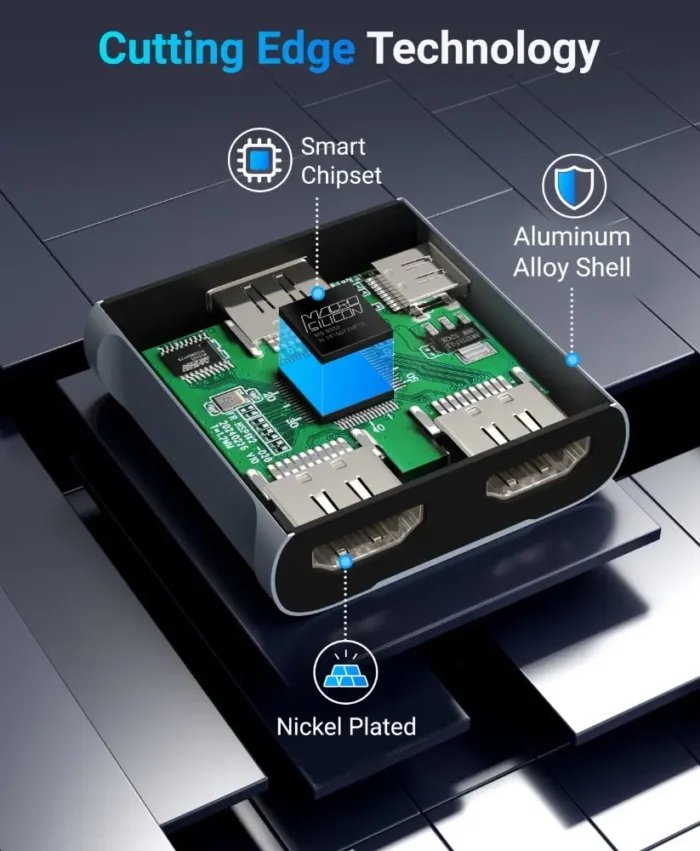
Its compact and sturdy metal body makes sure there is better heat dissipation and the device is durable. The splitter also comes with a USB power cable that will maintain a stable performance during longer hours of use.

Why Choose BlueRigger?

  • Seamless dual display without any lag, distortion, or signal drop
  • Delivers premium sound as it supports Dolby Atmos, DTS-HD, and LPCM 7.1.
  • You can instantly enjoy your content with its plug and play convenience
  • BlueRigger is a trusted brand with more than a decade of experience and the trust of its numerous buyers
  • It is durable and heat resistant because of the metal case

Specifications

Feature Details
Product Type HDMI Splitter (1 input, 2 outputs)
Supported Resolution Up to 4K Ultra HD @ 60Hz (3840×2160), backward compatible with 1080p/720p
Video Format 3D, 4K, Full HD
Audio Support DTS-HD, Dolby TrueHD, Dolby Atmos, LPCM 7.1, Dolby Digital, DTS
EDID Modes Auto Mode, Auto Copy Mode, Fixed Mode
HDMI Version HDMI 2.0, HDCP 2.2 compliant
Power Supply 5V DC (via USB cable included)
Build Material Sturdy Metal Case

Reviews

Good Quality Good Quality with no latency or Lag . At the pricepoint its very competitive hence would recommend this
Rahul Malik Avatar
Rahul Malik
13 Oct 2026
HDMI Splitter Excellent -- Just GO FOR IT
Amazon Customer Avatar
Amazon Customer
14 Aug 2026
Good Good using for a month,Value for money ,small and portable picture quality ok ease of use
Aby Thomas Avatar
Aby Thomas
21 Jun 2026
No Photo Good, thanks
Tuan N. Avatar
Tuan N.
15 Jun 2026

FAQ

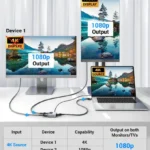
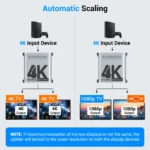
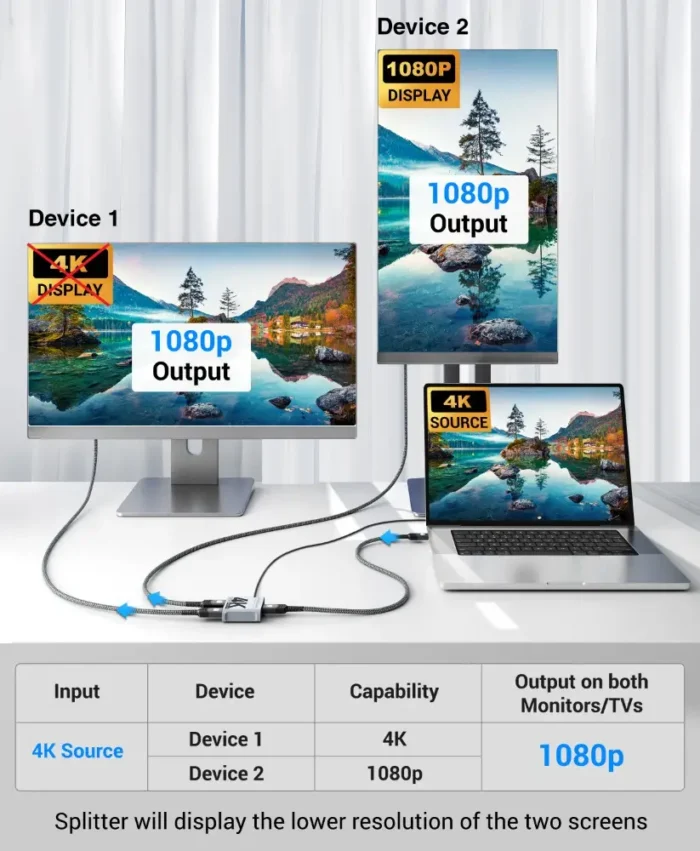
The BlueRigger HDMI splitter will automatically adjust the output of content to the common highest resolution of both displays.

For example, if one display is 4K and the other is 1080p, then the splitter will display content on both screens at 1080p resolution.

Yes. The splitter comes with a USB power cable that is used for a consistent power supply. That cable ensures smooth transmission of signals, especially in the case of high resolutions 4K signals.

Yes. This HDMI splitter for TV is also compatible with devices like PS4, PS4 Pro, Xbox 360, Xbox One, Blu-Ray Player, Chromecast, Macbook, HDTV, Projector, Monitor, etc.

No. The setup is extremely simple and easy, even for those who have no technical knowledge. You just have to connect your HDMI source (like your laptop) to the input port and then connect your two displays to the output ports. Then plug in the USB power, and you’re ready to go.

Related Products

Blogs

Scroll to Top

For Bulk / B2B enquiry

Chat on WhatsApp